
Getting Started with Clash Meta for Android
Last updated:
Set up Clash Meta for Android on your phone by choosing an APK, adding a compatible Mihomo subscription, and checking the first connection from the home screen.
Contents
What is Clash Meta for Android?
Clash Meta for Android, also called CMFA, provides an Android interface for the Clash.Meta core. It imports provider configurations that contain server choices and routing rules, with Android’s VPN interface handling the traffic covered by the app.
How to Download and Install?
Choose the APK for your Android device from the release links. The download page distinguishes ARM64 from other builds and offers a universal APK if you are unsure of your architecture. Use the installation steps on that page.
Interface Overview
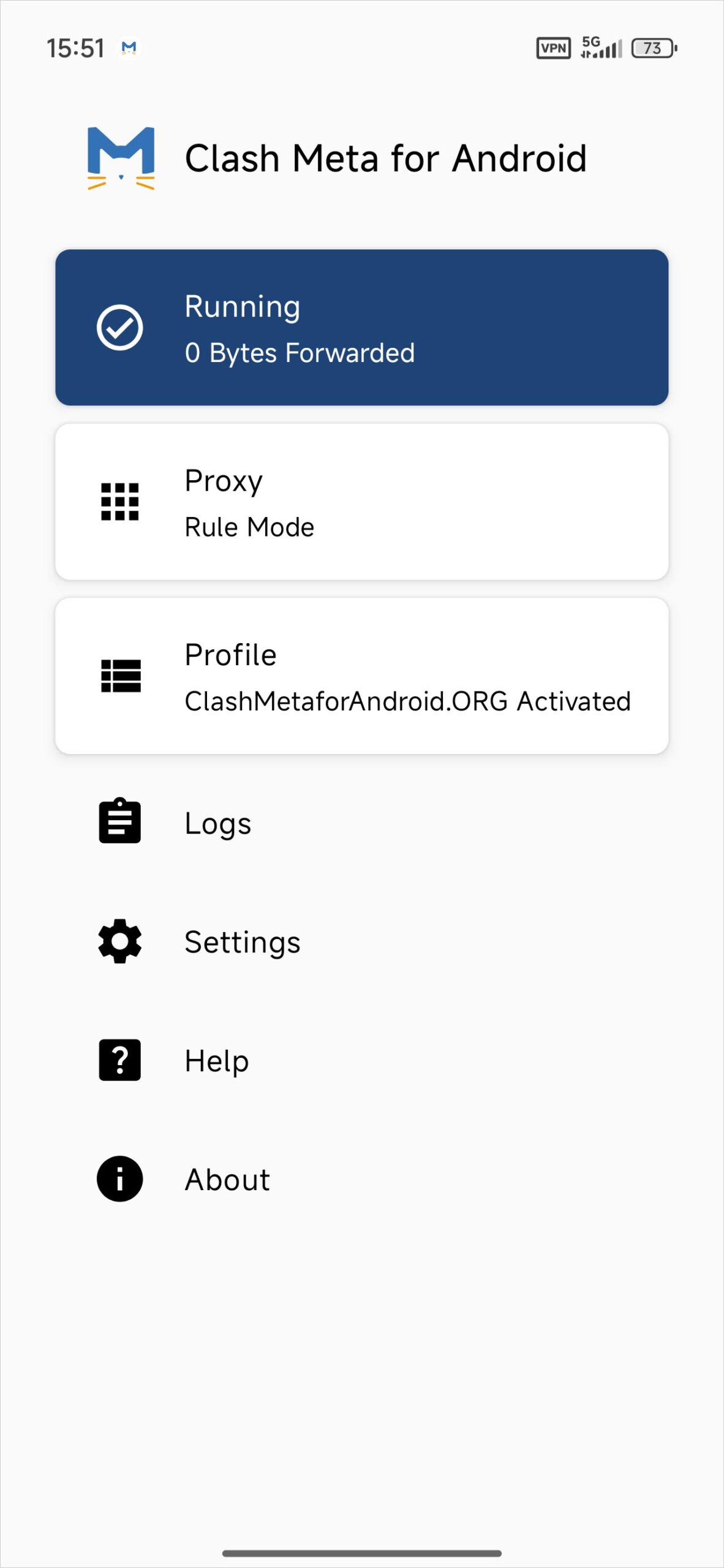
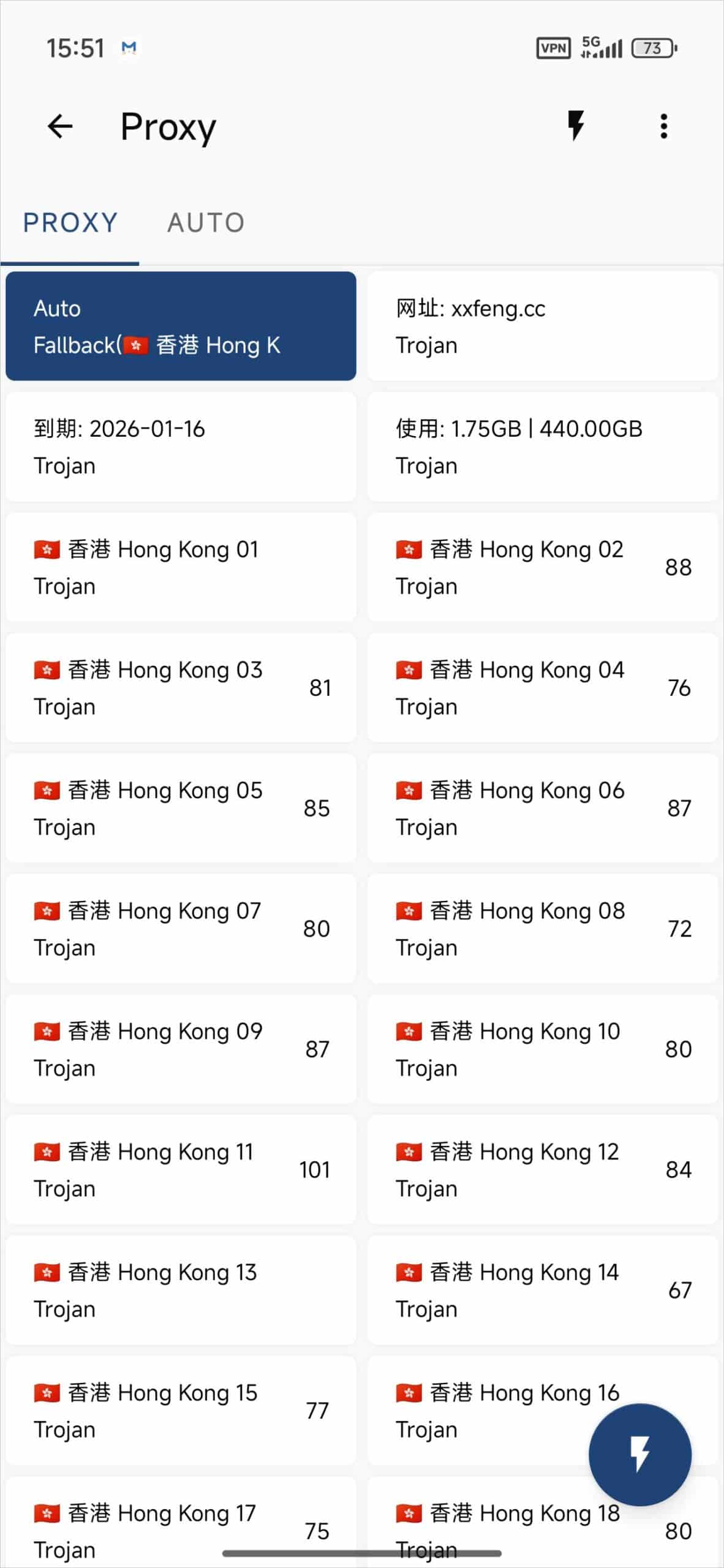
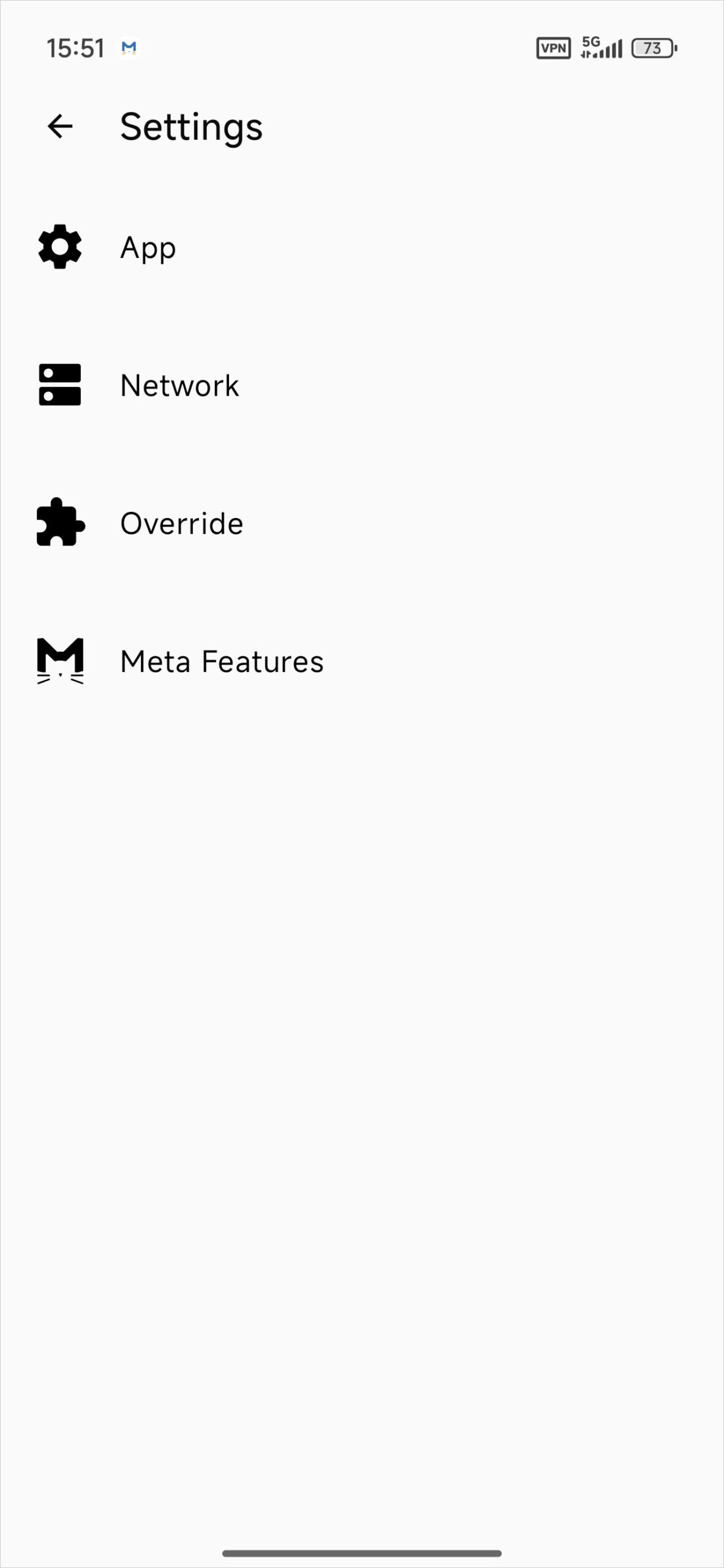
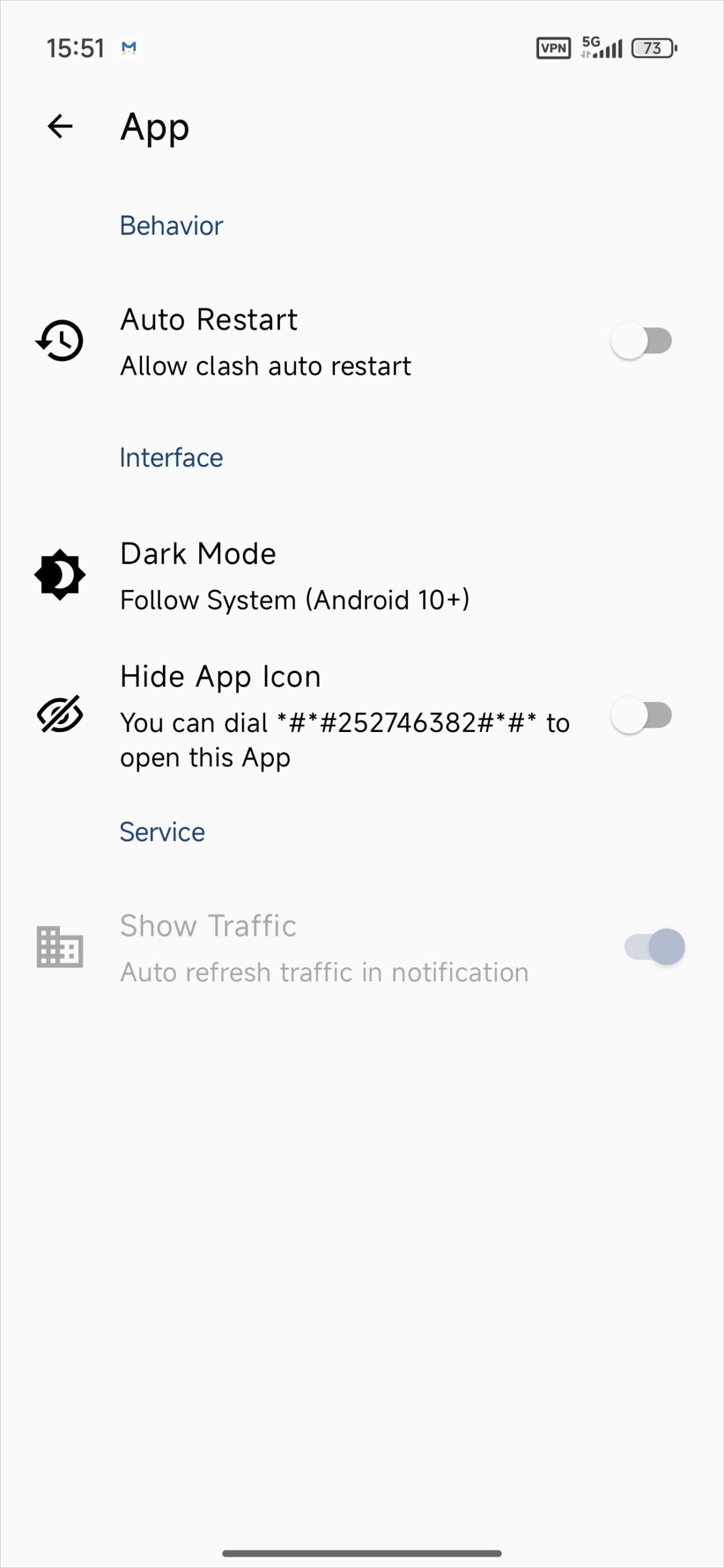
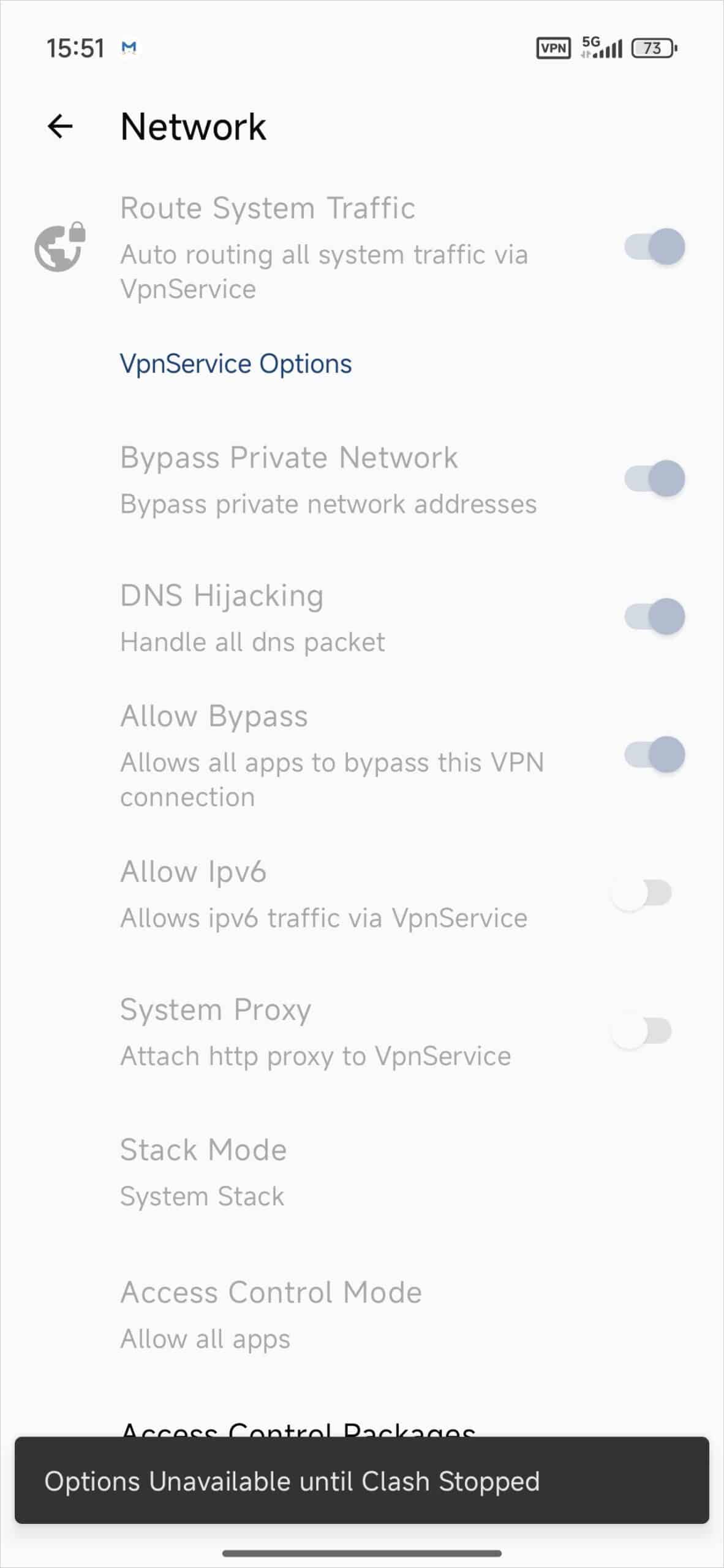
Profiles is where you add, update, and select configurations. The home screen includes the VPN start/stop control. Open the proxy list to see the policy groups and servers that the active profile supplies.
Servers
Copy the subscription link intended for current Mihomo or Clash.Meta clients. If you already run your own server, prepare a profile containing compatible settings. Keep the link in your account or app rather than posting it publicly.
Clash Meta for Android Servers
Quick Configuration
- Open Profiles, tap +, and choose URL. Name the profile, paste the complete subscription URL, and save.
- Select the profile you just added and go back to the main screen. For a profile with routing rules, use Rule mode.
- Start the connection and approve the Android VPN request if prompted. Open the proxy list and choose a group or node as needed.
- Check the VPN status and test a site. If a node does not respond, try another entry or refresh the profile.
If import fails, confirm you copied the mobile-compatible link and that the provider still makes it available. If the VPN request fails, check whether another VPN is active.